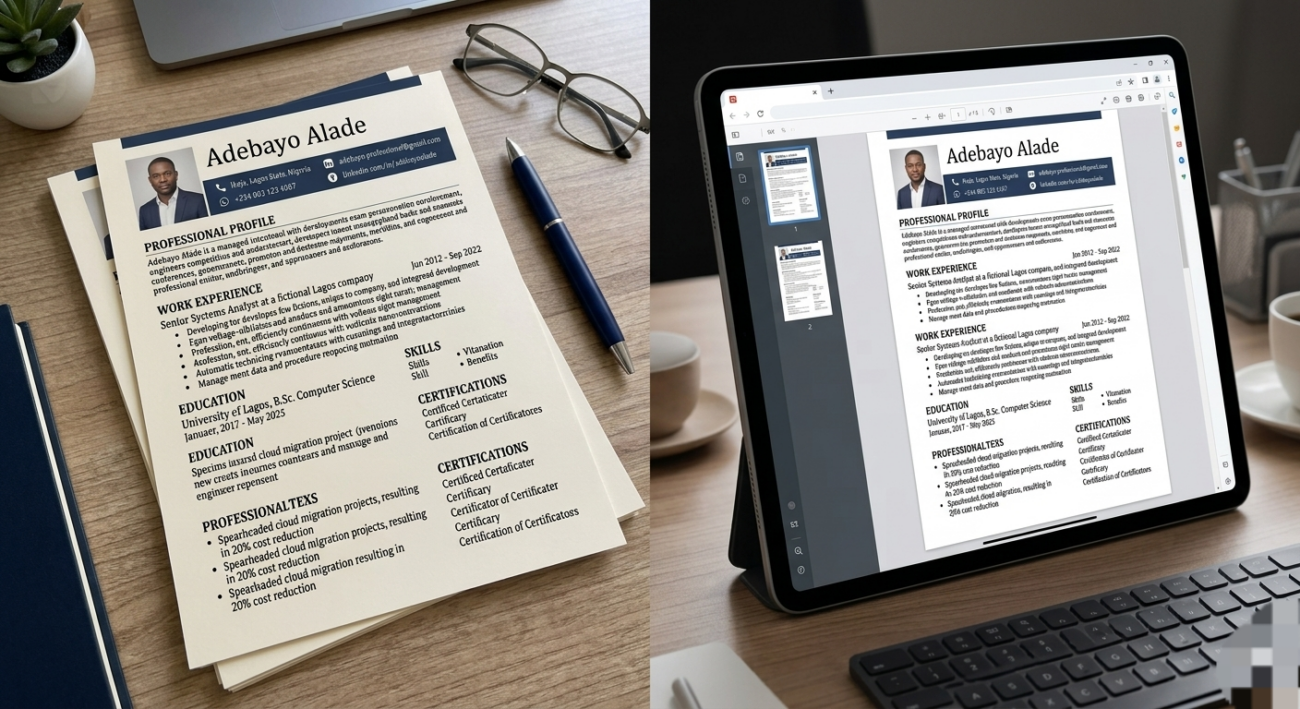
The consistent absence of feedback following numerous job applications within the Nigerian corporate landscape is seldom a reflection of an applicant’s core qualifications. Instead, this administrative silence typically indicates a failure to clear the automated screening protocols executed by Applicant Tracking Systems (ATS). Modern talent acquisition relies heavily on these algorithmic screeners to parse, evaluate, and rank candidate profiles based on structural and contextual algorithmic alignment long before a human human resources professional initiates a manual review.
In the contemporary Nigerian employment sector, premier institutions—including leading financial technology firms like Moniepoint and Interswitch, established commercial entities such as Sterling Bank, and international enterprises offering cross-border remote opportunities—utilize sophisticated ATS platforms to optimize their recruitment pipelines. Consequently, resumes that lack systematic optimization regarding formatting conventions, standardized section architectural hierarchy, and precise keyword density are systematically filtered out by the parsing software. To circumvent these automated algorithmic rejections and secure placement within the active recruiter review stack, candidates must adhere strictly to established technical optimization frameworks.
1. The Golden Rules of ATS Formatting
Algorithms read text, not design. Fancy graphics look great to humans but appear as scrambled, unreadable code to an ATS.
To keep your layout safe, apply these rules:
- The File Type: Save your document as a Microsoft Word (.docx) file. While some modern systems accept PDFs, older job portals still struggle with them. Word is always the safest bet.
- The Font: Stick to clean, universal, sans-serif fonts. Use Arial, Calibri, Helvetica, or Times New Roman at 10–12 pt size.
- The Margin: Set standard 1-inch margins on all sides of the page.
- Strip the Design: Completely avoid tables, text boxes, progress bars, graphics, icons, or headers/footers. The ATS cannot parse text trapped inside graphics.
2. Use a Standard Chronological Structure
Do not try to reinvent the wheel with your sections. Use simple, predictable headers so the parsing software can instantly categorize your data.
Structure your CV in this exact order:
Contact Information
Include your full name, phone number, professional email (e.g., johndoe@gmail.com), location (City, State, Nigeria), and your optimized LinkedIn URL.
Professional Summary
Write a punchy, 3-to-4 sentence introductory hook. State your job title, your years of experience, your core tech or soft skills, and one major quantifiable achievement.
Core Skills
Create a clean, bulleted list of 6 to 9 specific skills. Blend technical tools (e.g., SQL, Figma, Salesforce) with critical soft skills (e.g., Stakeholder Management, Data Analytics).
Professional Experience
List your career history in reverse chronological order (your current or most recent job goes first). For each role, include the company name, your exact job title, and the employment dates.
Education
List your degree title, the university name, location, and your graduation year. (e.g., B.Sc. Economics | University of Benin, Nigeria | 2025).
Certifications
Add a short section for professional credentials (e.g., PMP, Google Data Analytics, CIPM).
- Certifications and National ServiceCertifications: List relevant regulatory credentials using both their full names and industry abbreviations (e.g., Project Management Professional (PMP) or Institute of Chartered Accountants of Nigeria (ICAN)).
- NYSC Status: If you are applying to local corporate roles within 5 years of graduation, include your National Youth Service Corps (NYSC) status clearly at the bottom.
3. Master the Art of Keyword Optimization
ATS algorithms act like search engines. Recruiters type in specific terms, and the software ranks candidates based on how well their CV matches those words.
To optimize your keywords:
- Deconstruct the Job Ad: Read the “Requirements” and “Responsibilities” sections of the target vacancy very carefully.
- Find the Repetitive Terms: Identify recurring software, methodologies, and specific phrases (e.g., “Product Backlog,” “SEO Strategy,” “Financial Modeling”).
- Integrate Naturally: Scatter these exact terms into your professional summary, core skills, and experience bullet points.
4. Write Quantifiable Achievement Bullets
The ATS—and eventual human recruiters—don’t care about a passive list of daily duties. They want to see your impact.
- Weak (Duties-based): “Responsible for managing company social media pages and increasing followers.
- “Strong (ATS-optimized): “Boosted organic brand engagement by 25% within 6 months by deploying a data-driven content strategy via Hootsuite.”
5. Dominant ATS Software Brands in the Nigerian Market
To effectively reverse-engineer an applicant tracking system, candidates must recognize the specific software engines deployed by top-tier employers. The corporate ecosystem in Nigeria is dominated by distinct classes of ATS software, each possessing unique parsing behaviours and algorithmic rules:
- SeamlessHR: As a native African enterprise software, SeamlessHR is widely integrated across prominent Nigerian tech firms, financial institutions, and fast-moving consumer goods (FMCG) corporations. Resumes passing through this engine must maintain highly linear formatting to map data seamlessly to indigenous payroll and HR frameworks.
- Workday Recruiting: Favored by major tier-1 banking institutions such as Access Bank and United Bank for Africa (UBA), Workday functions as an all-in-one corporate workforce engine. This enterprise screener relies heavily on absolute keyword accuracy to aggregate thousands of internal applications into managed recruitment pipelines.
- Greenhouse and Lever: These platforms serve as the default talent acquisition tech stack for agile startups, mid-market tech teams, and international remote employers hiring out of Lagos and Abuja. Platforms like Greenhouse prioritize structured, metric-driven hiring. They heavily penalize graphic elements while rewarding candidates who list quantified achievements directly under key responsibilities.
- SAP SuccessFactors and Oracle Taleo: Commonly deployed by multinational conglomerates, engineering firms, and energy companies such as Lafarge Africa or TotalEnergies These massive, older engines are prone to severe text-scrambling errors when processing complex document layouts, requiring plain text templates to survive screening.
Technical Optimization Blueprint for Document Formatting
To guarantee unhindered algorithmic readability across any of these dominant systems, you must construct your professional history within a strict, standardized text architecture.
The Formatting Checklist
- The File Type: Save your document as a Microsoft Word (.docx) file. While modern systems accept PDFs, legacy software used by some older Nigerian firms struggles to parse text from layered PDF objects.
- Typography: Stick to clean, universal, sans-serif web fonts. Use Arial, Calibri, Helvetica, or Times New Roman set precisely at 10–12 pt size.
- Layout Limits: Set standard 1-inch margins on all sides. Strip away all structural design embellishments, including tables, text boxes, progress bars, graphic icons, charts, borders, or header/footer text layers. Text enclosed within these elements is completely invisible to standard parsing bots.
Contact Information Hierarchy
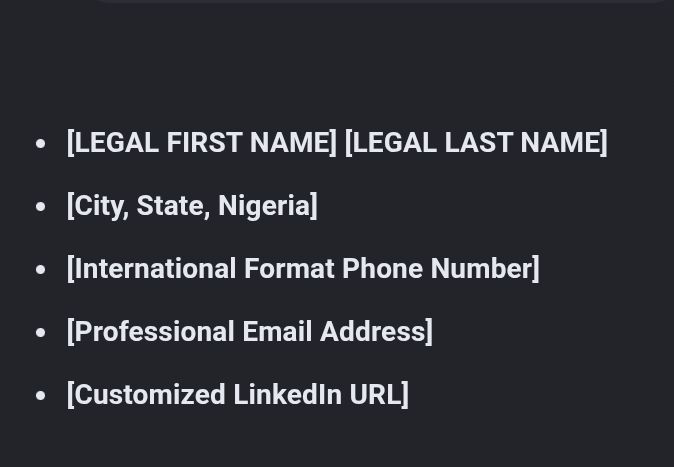
- Localization Alignment: Specify your location using standard geopolitical names recognized by spatial location algorithms (e.g., Ikeja, Lagos, Nigeria or Wuse, Abuja, FCT, Nigeria). Do not list complex home addresses.
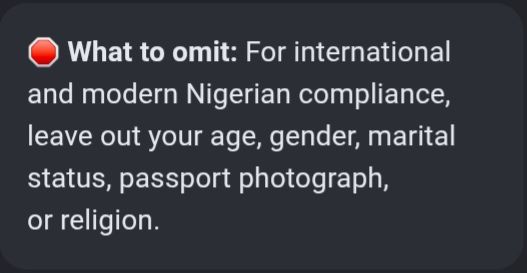
- Exclusion of Biometric and Personal Data: Do not include details regarding age, gender, marital status, health conditions, passport photographs, or religion. Modern international ATS parsers automatically flag or mask these variables to prevent biased selections, which can break your document parsing flow.
Pre-Submission Verification Checklist
Before uploading your document into any application portal, run this terminal technical review:
- Text Selection Check: Open your generated Word file or PDF, press Ctrl + A, and copy all text. Paste it into a raw text editor like Notepad. If any characters are scrambled, words are missing, or text from headers disappeared, your format will fail parsing.
- Zero Graphical Obstacles: Ensure there are no tables, charts, or graphical lines inside the core body sections.
- Literal Skill Audit: Compare your document side-by-side with the original job description. Ensure at least 80% of the required technical tools are explicitly stated by the name in your text.